Leverage Conversational AI Assistant to Answer Customer Questions
This Q&A AI Assistant, Maya, allows callers to ask questions about specific topics using natural language. Maya retrieves information uploaded by the business owner or representative during the creation of a Telekit application. Based on the available information, she responds to callers and allows them to ask follow-up questions or make related inquiries.
Why use a Q&A Bot?
Ideal scenario:
The best customer service often comes from human-to-human conversations. As callers, we want a business owner or staff member to answer quickly, understand our problem, and help immediately. We also don’t want to wait until the next business day to call back. In an ideal world, business owners would always be available to respond at a moment’s notice and answer every customer question.
Reality:
Small business owners have a lot on their plate and often juggle multiple responsibilities at the same time. Even when they know customer service is a priority, they may not always have the bandwidth to provide personalized phone support for every call. When calls go unanswered, businesses risk missing both a sales opportunity and a service opportunity.
Bridging the gap:
Many incoming calls are simply customers asking specific questions about business hours, services, pricing, policies, or operations. Often, that information already exists on the business’s website. But if callers take the time to pick up the phone, it makes sense to meet them where they are.
That is where the Q&A Bot comes in.
With Telekit, business owners can upload business information as PDF documents. Telekit processes that information and keeps an AI-powered bot on standby to respond to callers.
What the Q&A Bot enables:
- Callers can get answers to business-specific questions 24/7.
- Businesses can provide immediate phone support even when staff are unavailable.
- Owners can improve customer service without hiring a dedicated receptionist.
- There is no need to spend thousands of dollars building a custom phone system.
The result is more flexibility for business owners and faster answers for customers.
How to set it up
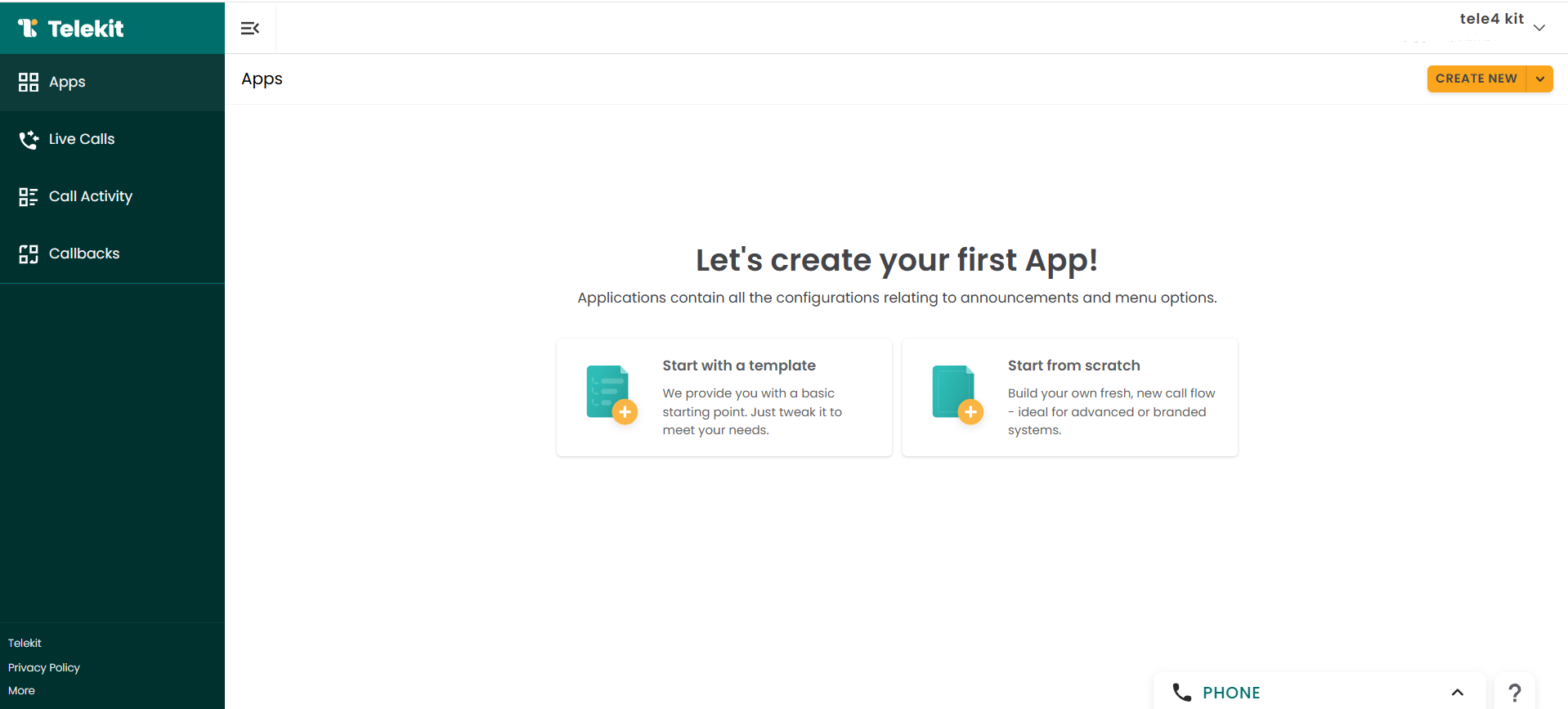
1) Create an application
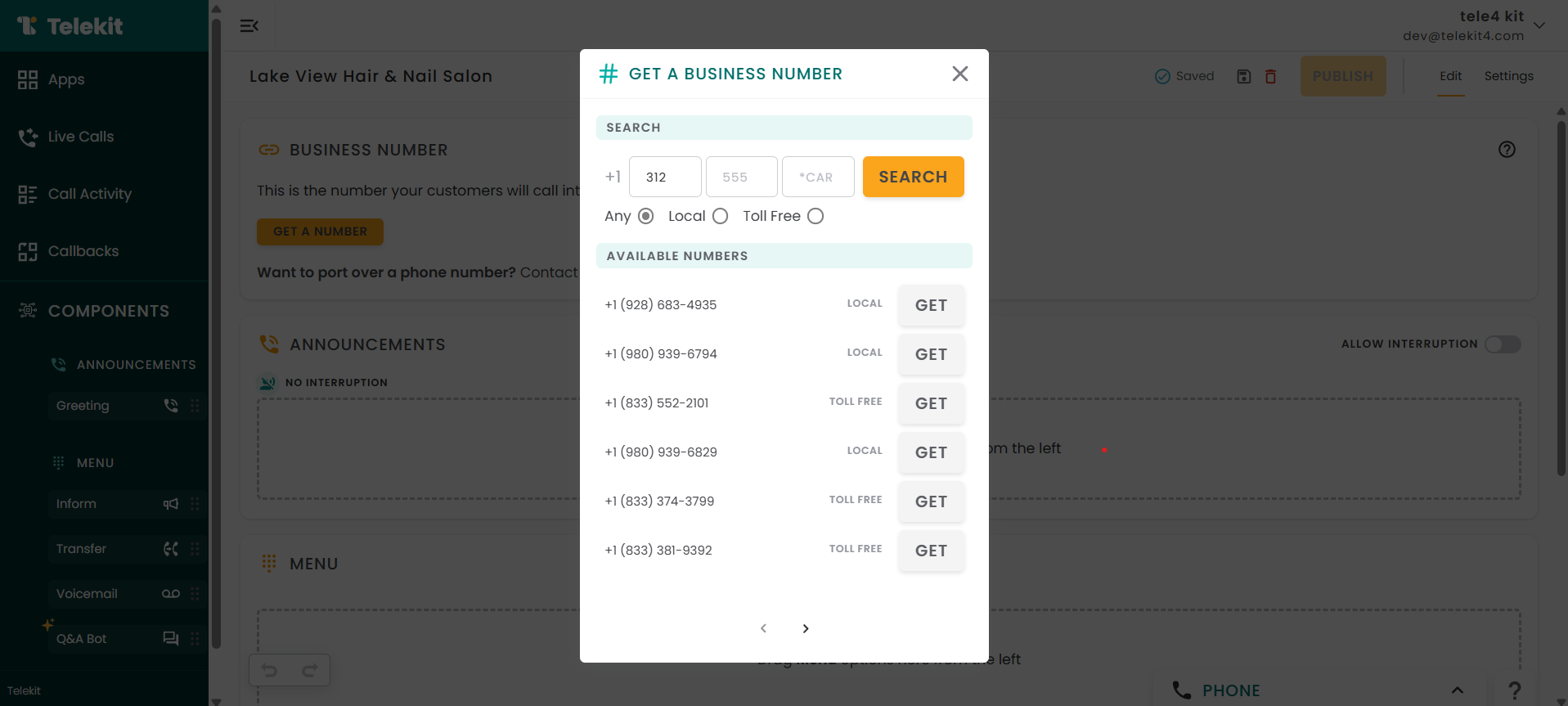
2) Assign a phone number to your app.
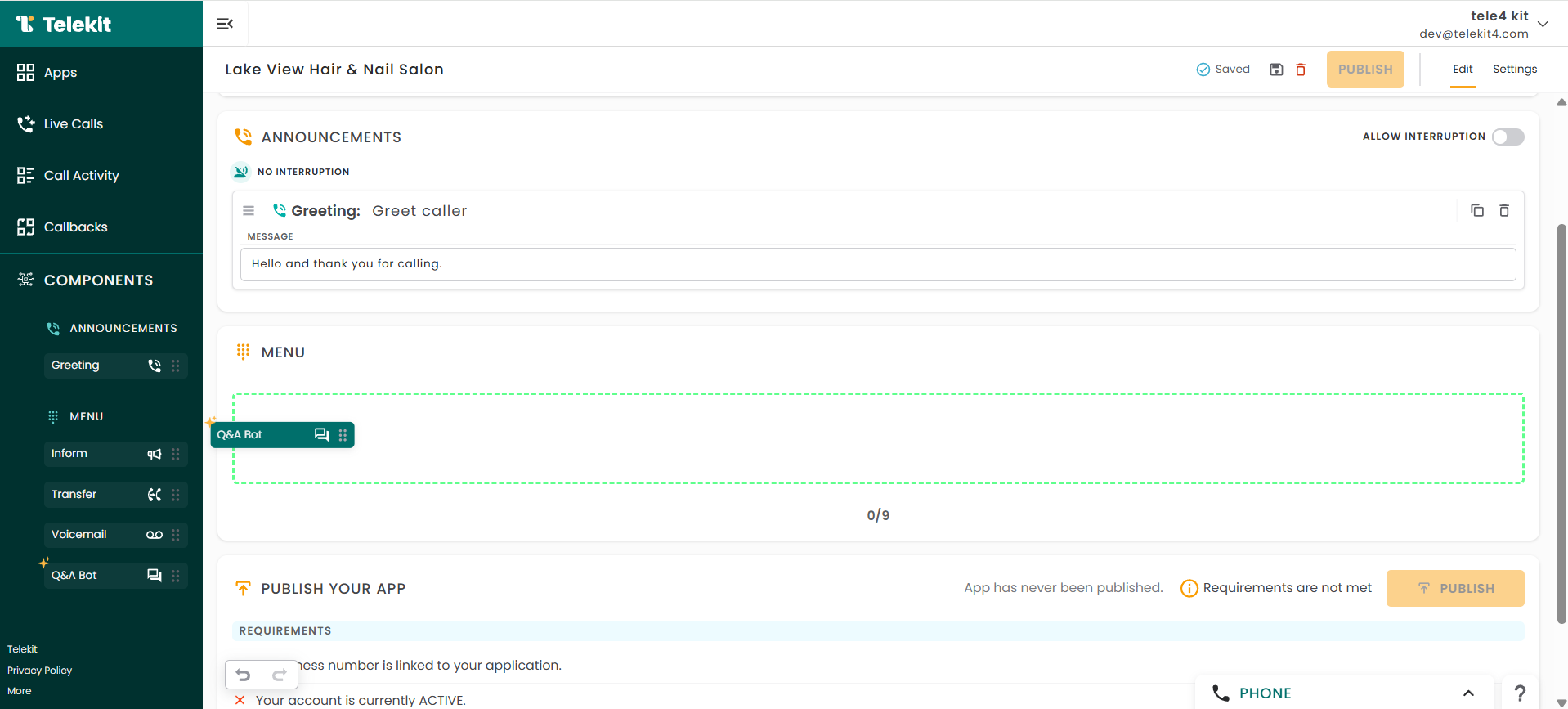
3) Drag and drop the Q&A Bot menu option from the left panel. Update the prompt with the specific topics callers can ask about.
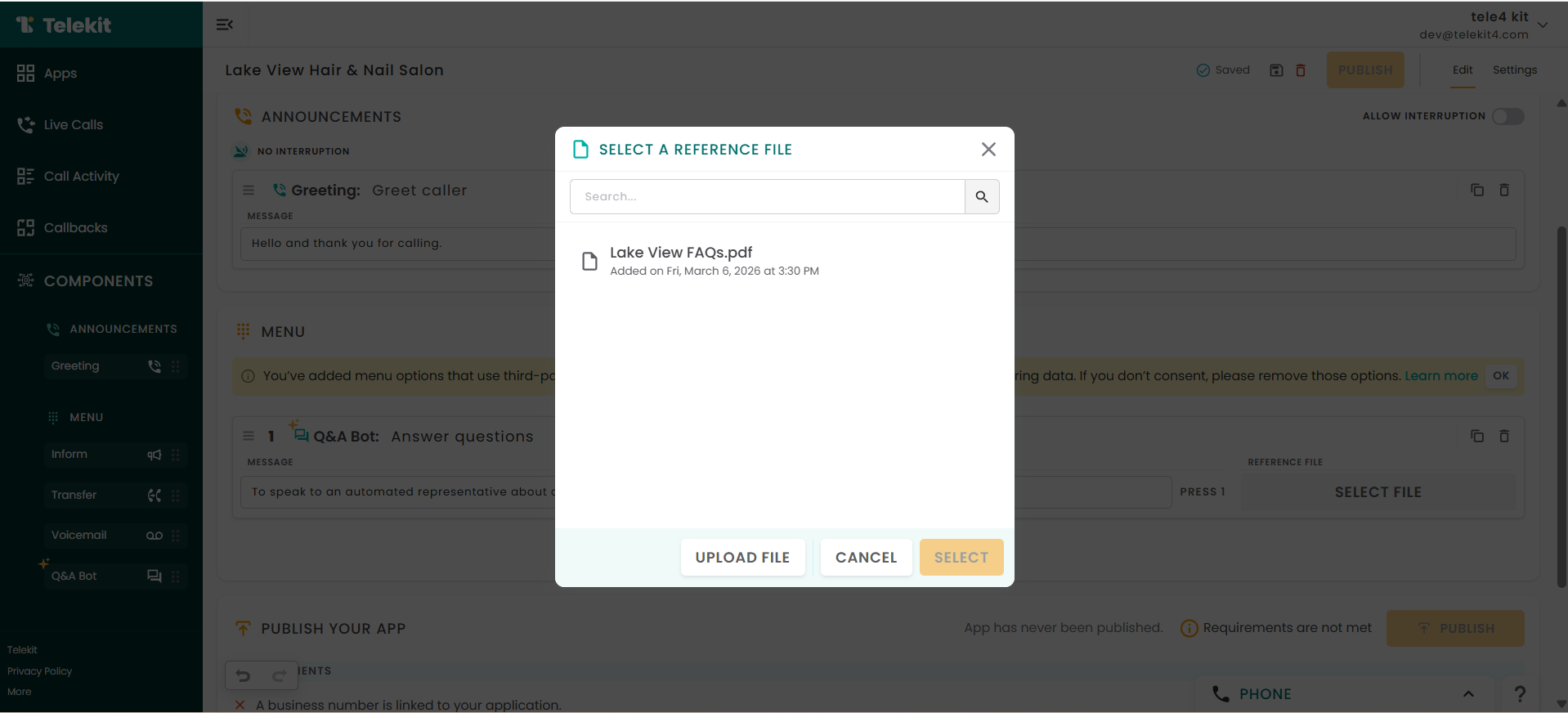
4) Upload one or more PDF documents containing the information relevant to that menu option.
5) Click the orange Publish button. If the button is disabled, ensure all required fields are completed.
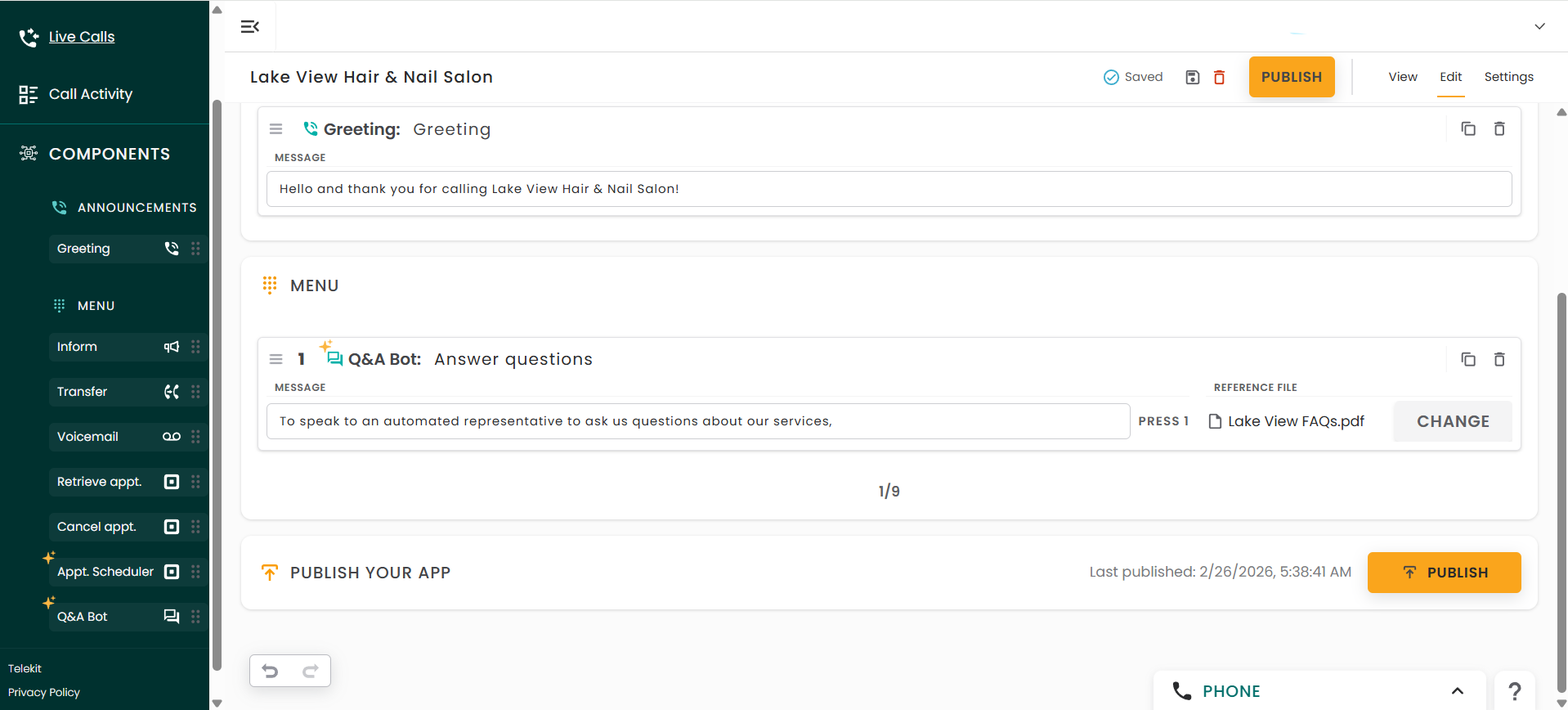
Once published, make a few test calls and have a conversation with Maya. Start improving operational efficiency and customer interactions with Telekit today!